Today’s hack is about turning Friday Hacks’ boring static Github Pages website into a more dynamic blogging platform powered by Jekyll. In order to do that, I set to find a sample template that would fit the style and content of this site. The HPSTR theme by mmistakes was the perfect fit
Before
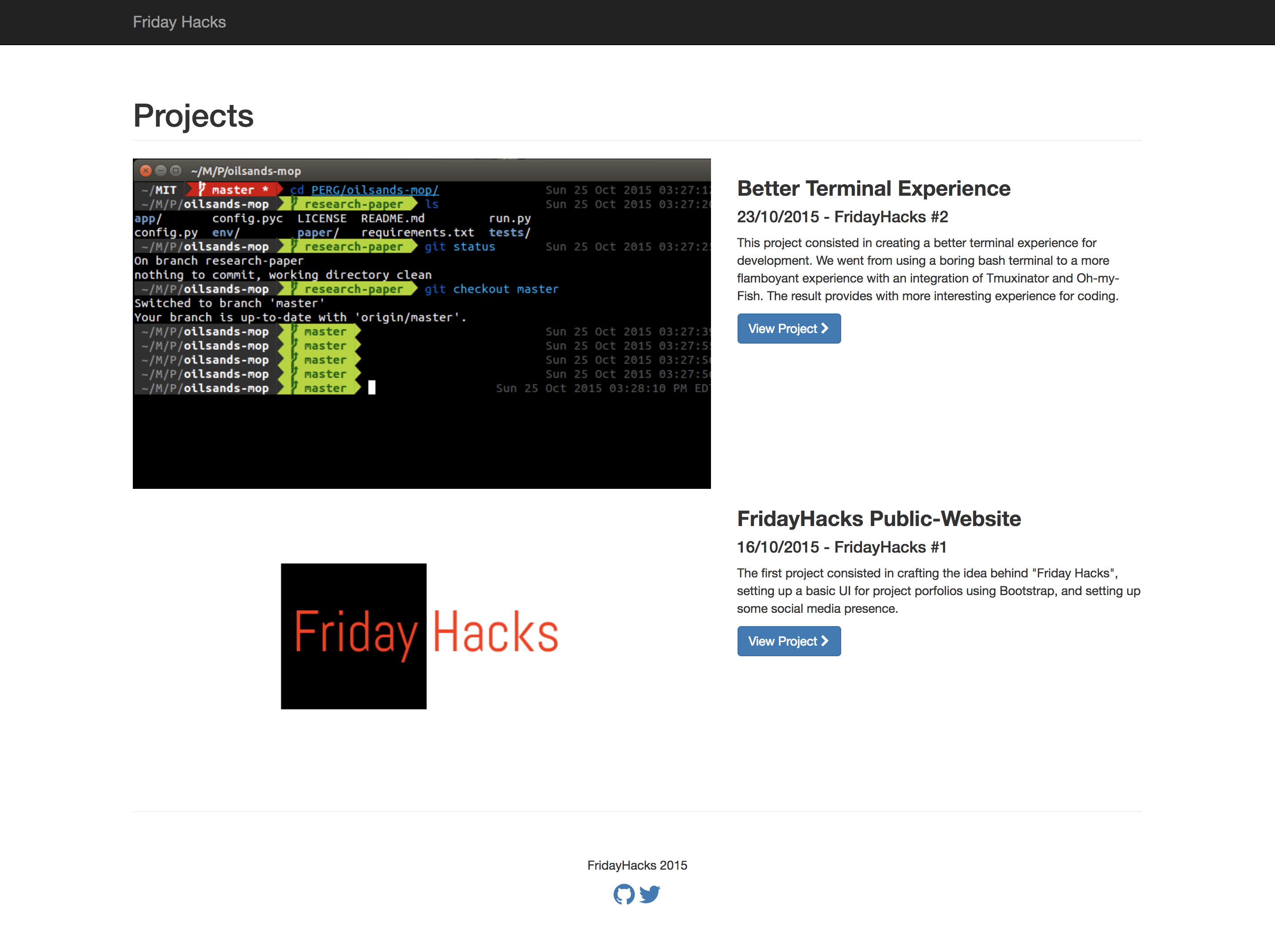 FridayHacks website, using static Github Pages
After
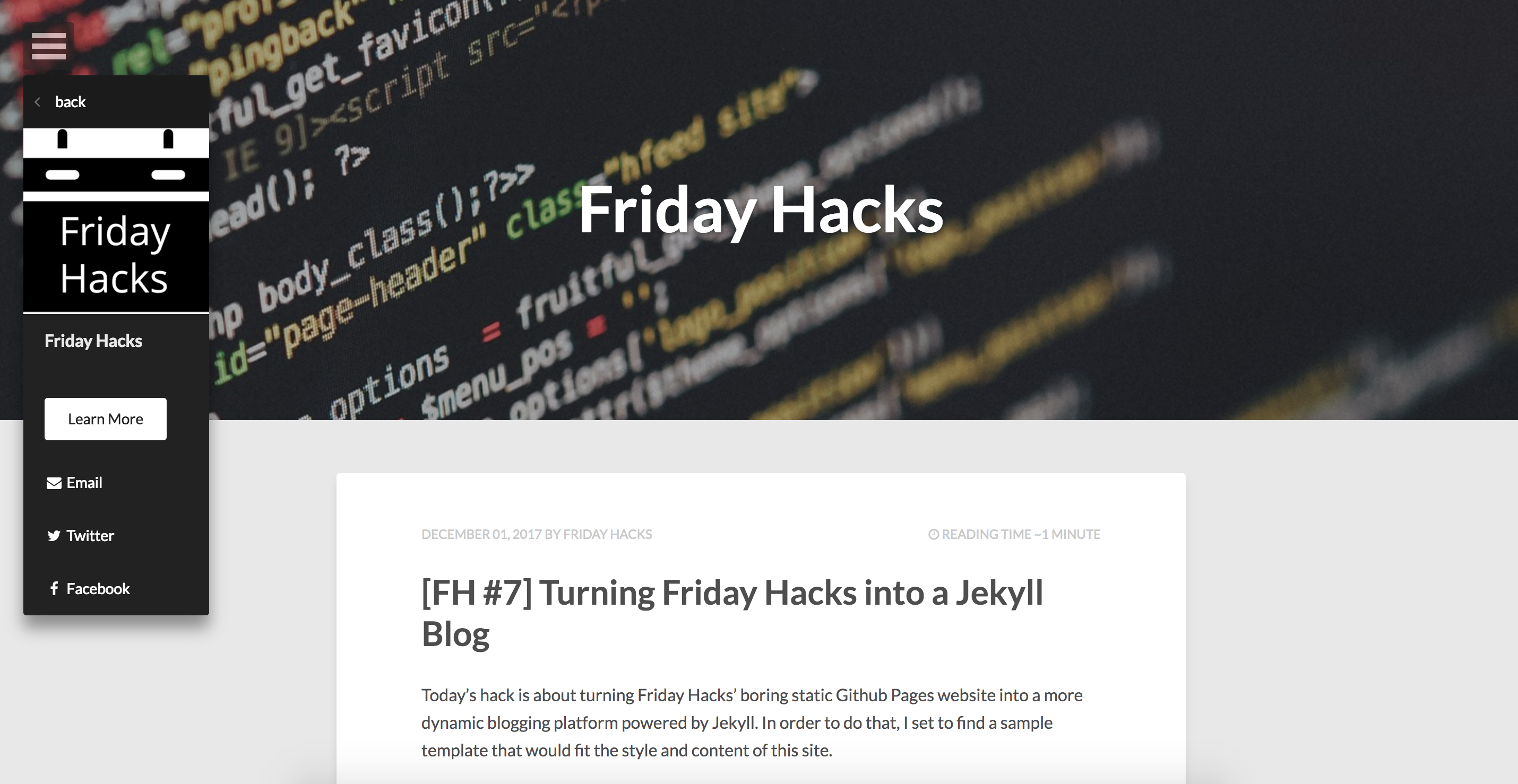 FridayHacks website, using HPSTR Jekyll theme
First, I had to fork the HPSTR repository, cloned it on my sandbox, and installed dependencies with
bundle install
Then, I modified certain files such as _config.yml and navigation.yml, and
I also did a bit of clean up (removed sample blog posts and unused pictures).
Now, every time I want to add a new post, I add it to the _posts folder with a .md
extension. Then, need to test it in localhost by changing url parameter
in the _config.yml file to serve in localhost instead of the fridayhacks.com url:
url: #http://fridayhacks.com
Then, I need to run the following commands:
 bundle exec jekyll build
 bundle exec jekyll serve
If all goes well, I uncomment the url in the _config.yml file and push it
directly to Github.